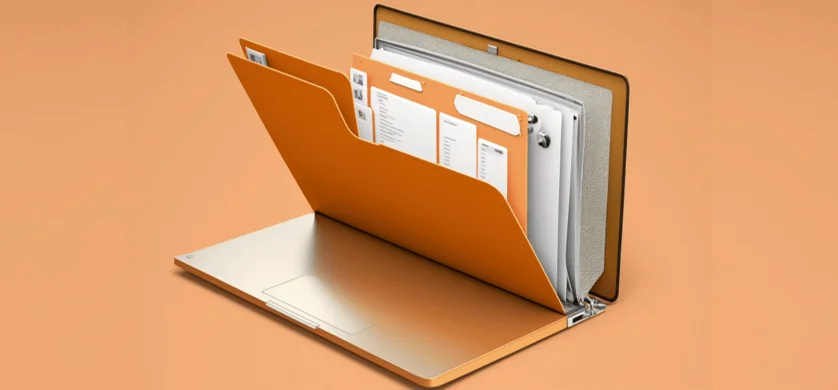
It will take some time, and I’ll give you the tip to get things organized when it’s quieter and you don’t have to constantly work in the folders. It may take a day or two, but then you will have a complete overview and can carry out your work more productively. The fewer documents you have, the faster not only you work, but also your computer.
Would you have chosen “Inbox”? Then it is similar to the folder structure. First step here is to clear out. There is the “rule” function, which can relieve you of a lot of the work when it comes to deleting advertising emails.
In the best case scenario, you will only have the emails you need. Think about useful folders that match the incoming information and sort them. Possible options for parent folders are, for example, year, customer name, project name. Label the folders sensibly so that you can still know where everything is even after a vacation.
The same applies to both: if a new topic is added, a new folder should also be created. Don’t wait too long and work directly in a new folder so as not to mess up the existing structure.
A basic rule is to only keep what is important to you. You can dispose anything that is duplicate, broken (mistaken when opening) and out of date. If you are unsure, ask a supervisor to confirm.